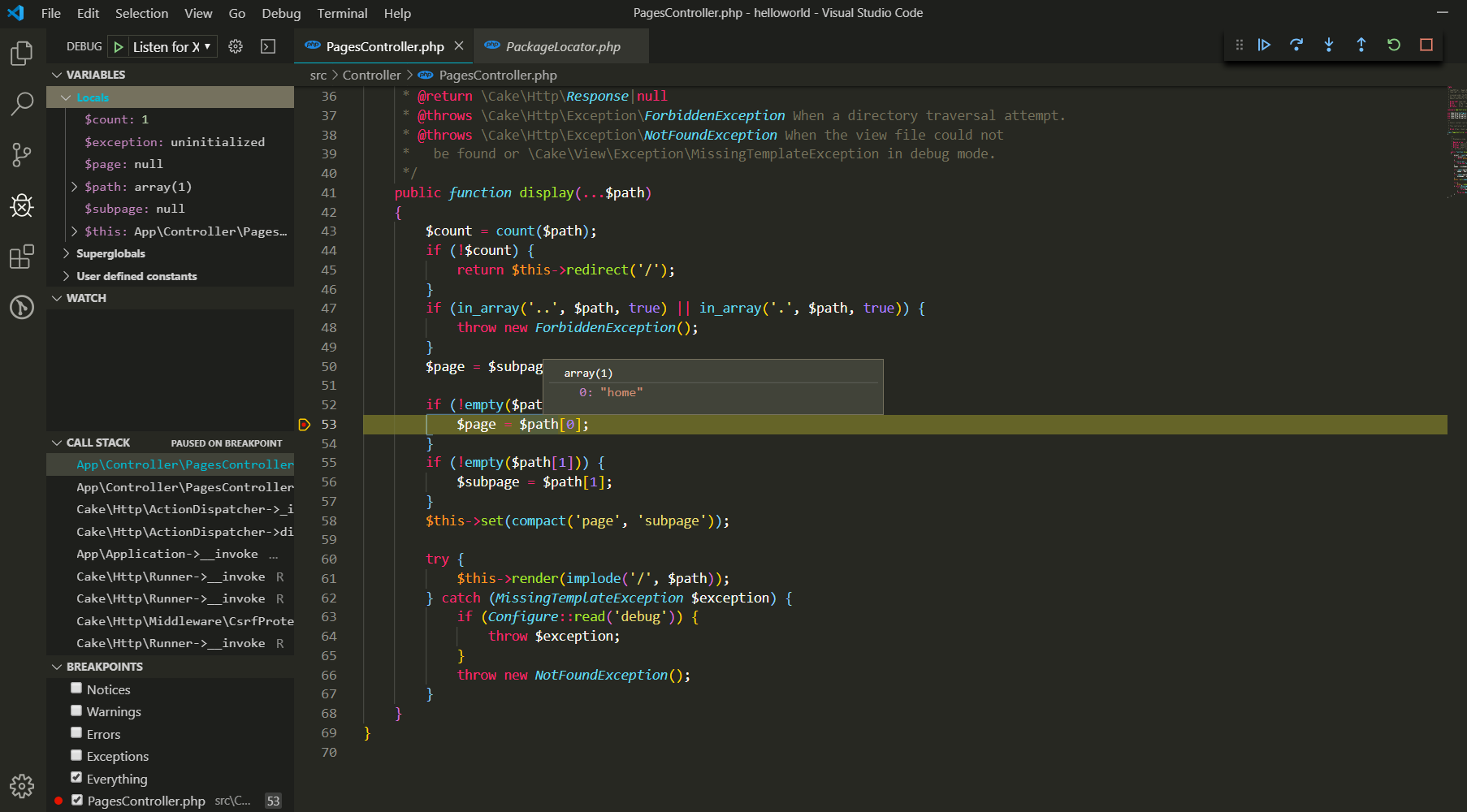
Debug CakePHP in VSCode with Xdebug
2019/08/16tech talk
Created by:briswell vietnam co ltd

1. Introduce Xdebug
- Xdebug is an extension for PHP to assist with debugging and development. It contains a single step debugger to use with IDEs; it upgrades PHP's var_dump() function; it adds stack traces for Notices, Warnings, Errors and Exceptions; it features functionality for recording every function call and variable assignment to disk; it contains a profiler; and it provides code coverage functionality for use with PHPUnit.
- Go to Xdebug page, choose and download Xdebug extension in this link.
- Add this code to file php.ini.
[XDebug] zend_extension = "D:\xampp\php\ext\php_xdebug-2.4.1-5.4-vc9.dll" xdebug.remote_enable = 1 xdebug.remote_autostart = 1 xdebug.remote_host = localhost[Cation]Fix "D:\xampp\php\ext\php_xdebug-2.4.1-5.4-vc9.dll" by your development environment. - Restart XAMPP.
2. Setting debug in VScode
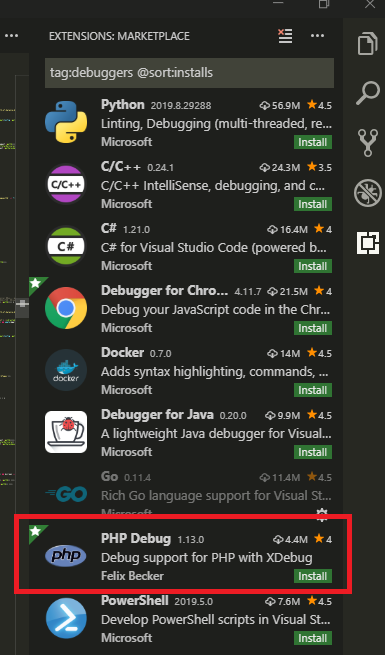
- Find and install PHP Debug extension.
- Go to debug bar and choose Add Configuration.
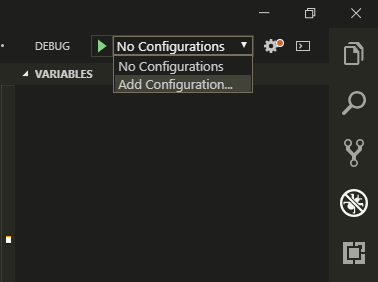
- In the popup window, choose PHP.

- Now, start debug in VSCode, we can add checkpoint and view variable data.